Top 5 Task Management Tools to Boost Your Productivity
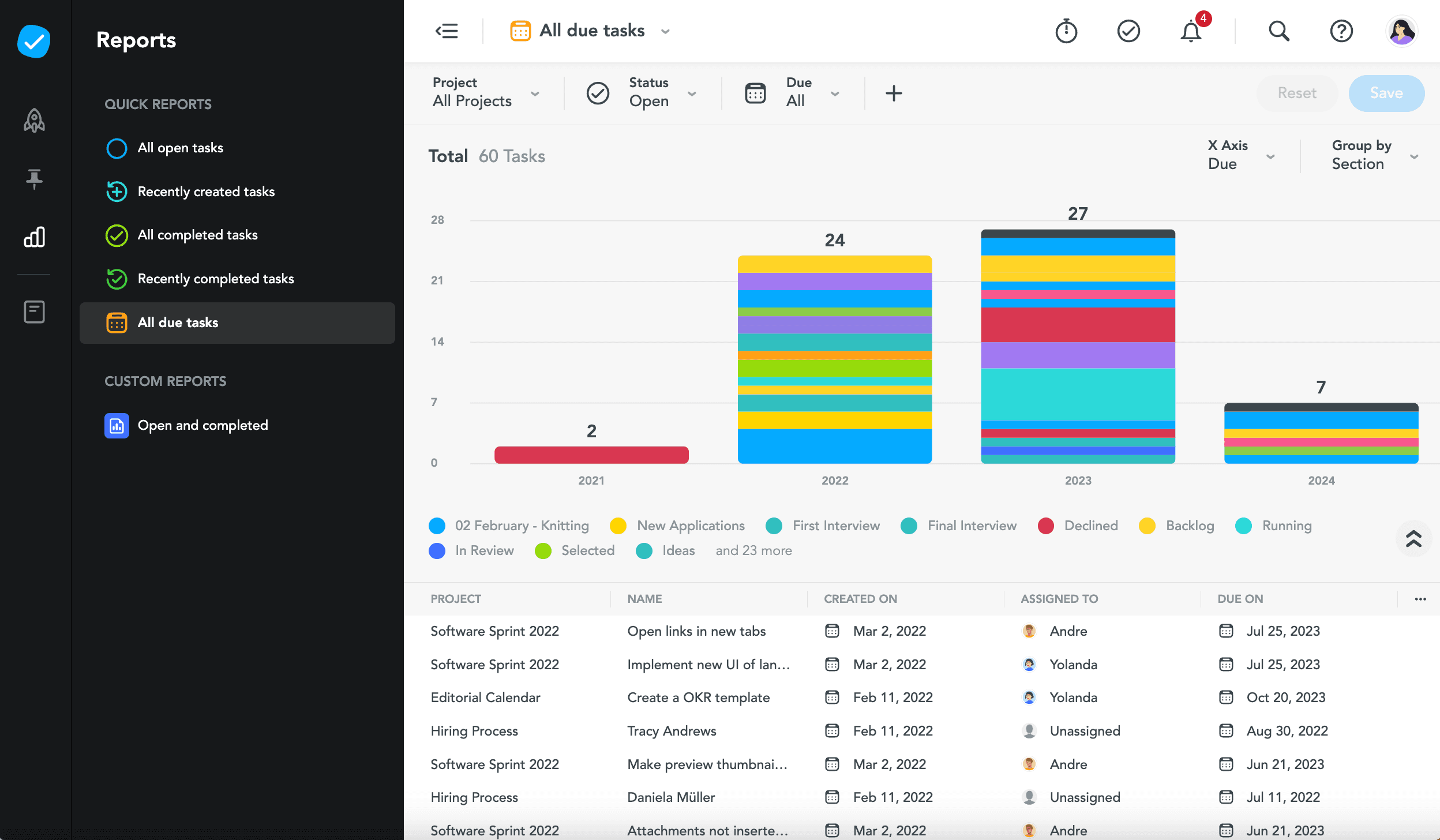
In today's fast-paced world, effective task management is crucial for maximizing productivity. With the right task management tools, you can streamline your workflow, prioritize tasks, and achieve your goals more efficiently. Here are the Top 5 Task Management Tools to help you stay organized and boost your productivity:
- Trello: Known for its visual Kanban boards, Trello allows you to easily manage projects and tasks by dragging and dropping cards into different columns. This makes it a favorite among teams looking for a flexible and intuitive interface.
- Asana: Perfect for both individuals and teams, Asana helps in breaking down projects into manageable tasks with due dates, assigned responsibilities, and real-time progress tracking.
- Todoist: With its minimalist design and powerful features, Todoist is great for personal task management. You can set priorities, deadlines, and even collaborate on shared projects.
- ClickUp: Often touted as an all-in-one tool, ClickUp combines various features such as goals, time tracking, and task dependencies, making it ideal for complex projects.
- Notion: Notion is not just a task manager but also a note-taking app, allowing for a flexible approach to project management. Users can create databases, wikis, and kanban boards all in one place.
How to Choose the Right Task Management System for Your Team
Choosing the right task management system for your team can significantly impact productivity and collaboration. Start by evaluating your team’s specific needs, considering factors such as project complexity, team size, and workflow preferences. Many tools offer features like task assignment, timeline tracking, and collaboration tools. It's essential to list out the functionalities your team feels are necessary, and then prioritize these features to guide your decision-making process.
Once you have a clear understanding of your requirements, explore various options available in the market. Utilize resources like Zapier's comprehensive guide to compare different systems. Focus on user reviews and trial versions to assess usability and integration with other tools you use. Remember, the right task management system should not only meet your current demands but also adapt to your team’s future growth and changing project requirements.
What Are the Key Features to Look for in a Task Management Tool?
When selecting a task management tool, collaboration features should be at the top of your list. A good tool enables team members to work together seamlessly, allowing for real-time updates and discussions. Look for features like shared calendars, comment sections on tasks, and @mentions to facilitate clear communication. Additionally, consider whether the tool supports file attachments, enabling team members to easily share documents and resources related to specific tasks.
Another critical feature is the flexibility of task organization. A robust task management tool should allow you to create various task categories, tags, and priorities. Tools that offer customizable views, such as Kanban boards or Gantt charts, can help teams visualize their workflow more effectively. This adaptability ensures that your team can optimize their processes according to the demands of specific projects while keeping everyone aligned and focused on their goals.